Digital checklists vs paper: what UK kitchens get wrong
General information for UK hospitality operators, not legal advice. If something here is wrong or out of date, the editorial policy explains how to report it.
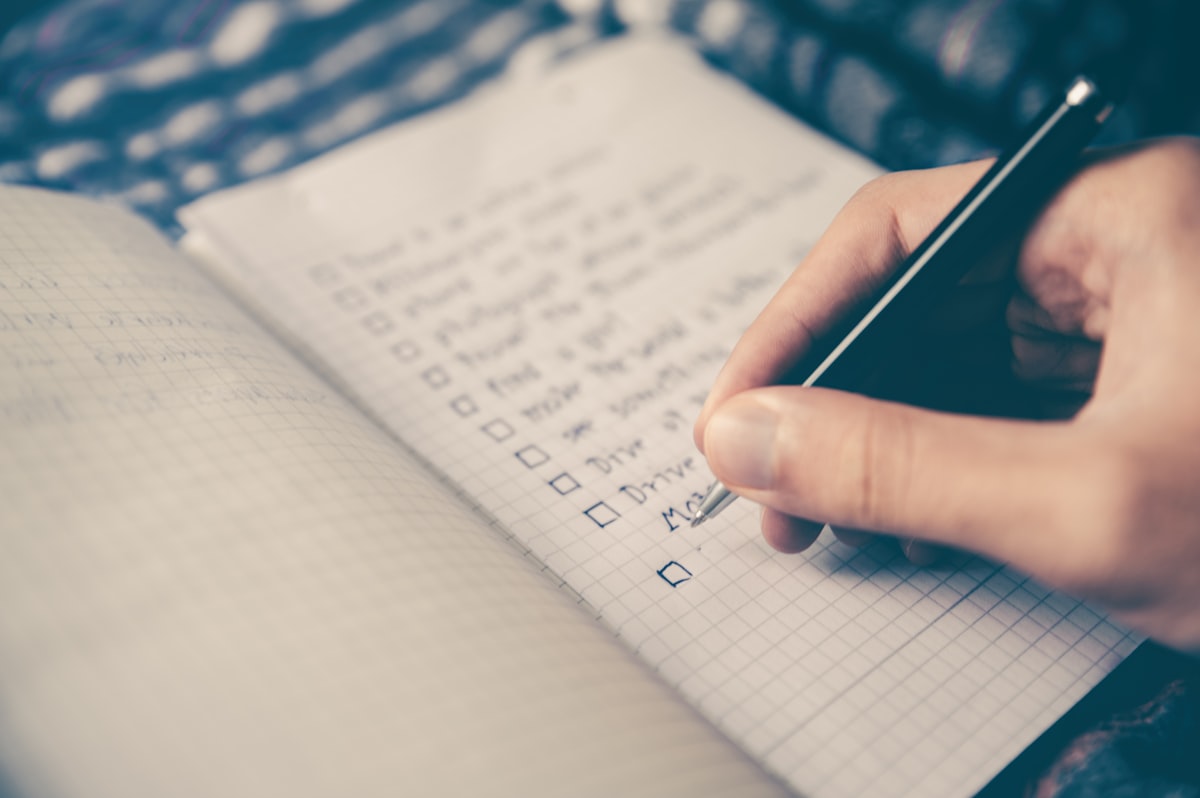
Digital checklists can close the gaps paper leaves in UK kitchens, giving managers a clearer, timestamped record of checks completed.
Digital checklists replace paper logs with timestamped, photo-backed records that a manager can check from any device, giving a clearer picture of what was actually done and when. The most common way operators get this wrong is treating the switch as a like-for-like swap: the same generic tick-box list, just moved onto a screen, with nobody stopping to redesign who checks what, when, and what happens next if a check fails.
What paper checklists actually fail to prove
Paper checklists have survived in UK kitchens because they are cheap and familiar, not because they work well. A clipboard hanging by the pass shows that a box was ticked; it does not show whether the fridge was actually checked at 6am or filled in from memory at 11am, whether the person signing was even on shift, or whether anyone noticed the same item had been missed three days running. A record like this proves a box was marked, not that the task was carried out, and that gap only becomes visible once someone actually asks to see the evidence.
When records are needed for an incident, a complaint, or a routine inspection, someone has to physically locate the right sheet from the right date, and illegible or water-damaged paper can be a problem in busy kitchens, on top of everything else that can go missing between shifts. Sheets get filed in the wrong folder, or simply get thrown away once the week is over because nobody thought a particular Tuesday would ever matter again. By the time it does matter, the record that would have supported the business is gone, and there is nothing left to show except a gap.
The switch that goes wrong: copying the clipboard onto a tablet
Digitising a checklist without rethinking it tends to produce the same weaknesses in a new format. If every role still sees the same long list regardless of what they actually do, staff learn to tick through it quickly rather than engage with it, which is exactly the behaviour paper encouraged. The fix is not the technology itself but the redesign that should go with it: checklists assigned to the right role and shift, set to appear at the frequency the task actually needs, and structured so a failed check triggers a visible next step rather than disappearing into a filing cabinet. A checklist that still asks a kitchen porter to confirm allergen communication with a table, because nobody separated the tasks when the list moved onto a screen, has not actually improved anything; it has just made the same confusion faster to complete and easier to ignore.
Why digital checklists hold up better at inspection
Food safety monitoring in England is set out in the Food Safety and Hygiene (England) Regulations 2013, with separate but broadly equivalent regulations covering Wales and Northern Ireland, and the HACCP guidance for food businesses sets out the expectation that critical control points are monitored and corrected, with records kept as evidence. Well-structured digital checklists make that evidence easier to produce on the day: a manager can pull up any date, any site, and see who completed a check, when, and what was recorded, rather than searching through a stack of paper for last Tuesday's opening checks. Complete, accurate records like this can help support a due diligence defence under the Food Safety Act 1990 if something ever goes wrong, though the strength of any defence depends on the whole of a business's systems and evidence, not the record format on its own. Keeping records in this shape is also part of what keeps a business genuinely inspector-ready year-round rather than only tidy in the week before a visit, and it supports the kind of due diligence case a business may need to make later. Digital food safety software exists to make this kind of record straightforward to keep and to find, removing the awkward pause while a manager tries to remember which folder holds the right week.
Matching checklists to your HACCP plan, not a generic template
A checklist is only useful if it reflects the actual critical control points identified in your HACCP plan, rather than a generic list downloaded from somewhere else. Cooking and reheating temperatures are a good example: many UK kitchens use 75°C core temperature as a guide for cooking and reheating, with kitchens in Scotland typically working to 82°C for reheated food, but the figure that belongs on your checklist should come from your own HACCP risk assessment rather than a number copied from a template built for a different kitchen. A checklist that does not reflect the temperature regime your own risk assessment actually specifies gives false confidence rather than genuine assurance. The same logic applies to cleaning schedules, allergen checks, and date labelling: each should be built from what your own risk assessment says needs monitoring, at the frequency it needs monitoring, rather than copied from a generic list. A site with a delivery-heavy menu and a lot of chilled storage needs a different balance of checks to one that cooks most of its food to order, and a checklist that treats every kitchen the same way misses that distinction entirely.
Photo evidence and what it actually proves
Attaching a photograph to a checklist item is useful because it captures the state of something at a specific moment, which a tick alone cannot do. A photo of a fridge thermometer reading, a cleaned extraction canopy, or a correctly labelled prep container is harder to fake retrospectively than a signature. It is not, however, a substitute for training or for a corrective action process. A photo showing a fridge running warm still needs someone to act on it, log what was done, and follow up, or the photo is simply better-documented evidence that a problem was seen and ignored. The value of photo evidence sits alongside a clear escalation step, not instead of one, and a system that stores the photo without prompting a follow-up action has only solved half the problem. Staff also need to understand that a photo is not the point of the task; the cleaned surface or the correctly stored food is the point, and the photo is simply a way of demonstrating that it happened.
Splitting responsibilities between kitchen and front of house
Kitchen and front-of-house teams are responsible for very different things, and a single shared checklist tends to be too long for either group to take seriously. Separating checks by area, so kitchen staff see cooking, cooling, cleaning and date-labelling tasks while front-of-house staff see allergen communication, refusals, and service-area cleaning, keeps each list short enough to actually complete properly. It also makes it much easier to see, at a glance, whether a gap in completion sits in the kitchen or in the dining room, rather than treating the business as one undifferentiated set of tasks. Shorter, role-specific lists also reduce the temptation to rush; a five-item list at the start of a shift gets read properly far more often than a fifteen-item list shared across roles that half the team has no reason to be looking at.
Making completion visible before it becomes a problem
The other advantage of moving away from a physical clipboard is that a manager does not need to be on site to see what has and has not been completed. A missed opening check or a skipped cleaning task can be visible the moment it happens rather than discovered days later, which turns compliance from a retrospective paper trail into something that can actually be corrected in real time. That visibility matters most across multiple sites, where a manager cannot walk the floor of every kitchen every morning, and where consistent, comparable checklist completion across locations is often the only practical way to know whether standards are actually being held. It also changes how a business responds to a near-miss: a fridge that was running warm at 6am and flagged immediately can be dealt with before service starts, rather than surfacing as a complaint or a failed inspection weeks later once the pattern has already caused a problem.
Next step
See how food safety software can bring checklists, temperature records, cleaning schedules and allergen checks together in one place for your kitchen and front-of-house teams.
Frequently asked questions
Do digital checklists remove the need for due diligence records?
No. A digital checklist is still a due diligence record, just stored electronically rather than on paper. It still needs to be accurate, dated, retained, and backed up with corrective action where a check fails, in line with Safer food, better business record-keeping principles.
Will an EHO officer accept checklists completed on a phone or tablet?
Yes. Inspectors assess whether monitoring actually happened and was acted on, not the medium used to record it. A digital record that is timestamped, complete, and shows what happened when a check failed is generally easier to demonstrate than a paper file pulled from a drawer.
What is the biggest risk when moving from paper to digital checklists?
The most common mistake is copying the paper checklist onto a screen without redesigning it. If the same generic list is still shared across every role and shift, digital simply speeds up the same gaps in accountability rather than closing them.
How long should checklist records be kept?
There is no single statutory retention period for daily food safety checklists. As general guidance rather than legal advice, most operators keep them well beyond the next inspection cycle, and longer for anything linked to an incident or complaint, since that is when a due diligence case is most likely to be tested.
Should front of house and kitchen staff use the same checklist?
Generally not. Front of house and back of house teams have different tasks, shift patterns and risks, so splitting checklists by role means staff only see and complete what is relevant to their area, which reduces missed items and confusion over who was responsible.